


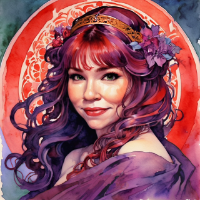
I have been able to link default tokens to a sheet very easily, but I am confused how to place them on the map. I have character portrait art that doesn't look a thing like the top-down tokens I would like to use on the map. When I save the default token, it shows up as saved in the default square under the portrait art in character edit. I save, and that square is hidden from view. Then I hold click the portrait and pull it out, to drop it on the map as a token... but it's the portrait that becomes the token, not the default token. I really want to place the top down tokens I saved. How do I get my default token onto the map and not the character art?
