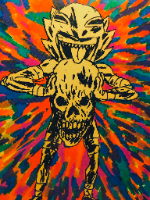
I am trying to move small pin drawings for my map, but it is only letting me resize it. Is there any work around way to make it so I am only moving it?

Play Now
Join a Game
Shop
Tools
Characters
Compendium
Community

Sign In


