


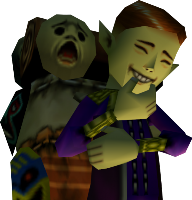
I recently purchased the Lost Mine of Phandelver module, and am sorting through it prior to play. Everything looks to be in order, except that in the Cragmaw Castle map, the token for Vyerith uses art for a doppleganger (the PCs are supposed to think she's a drow at first). I was hoping to use the rollable tables feature to create a new token with two faces- the existing doppelganger face and a new face for the drow- but as far as I can tell there's no way to get the doppelganger token image into such a table. In fact, I can't seem to find any way to interact with any of the art assets at all, except to copy and paste tokens between pages, which has me worried about what would happen were I to delete an important token. Am I missing something, or is the module content as locked-down as it appears?
